
Direct answer
Choose what stays connected
- Home-office laptop and video calls
- Family messaging and essential browsing
- Selected cameras or access-control devices
- Medical or safety devices only after specialist review
- A limited number of entertainment devices if capacity allows
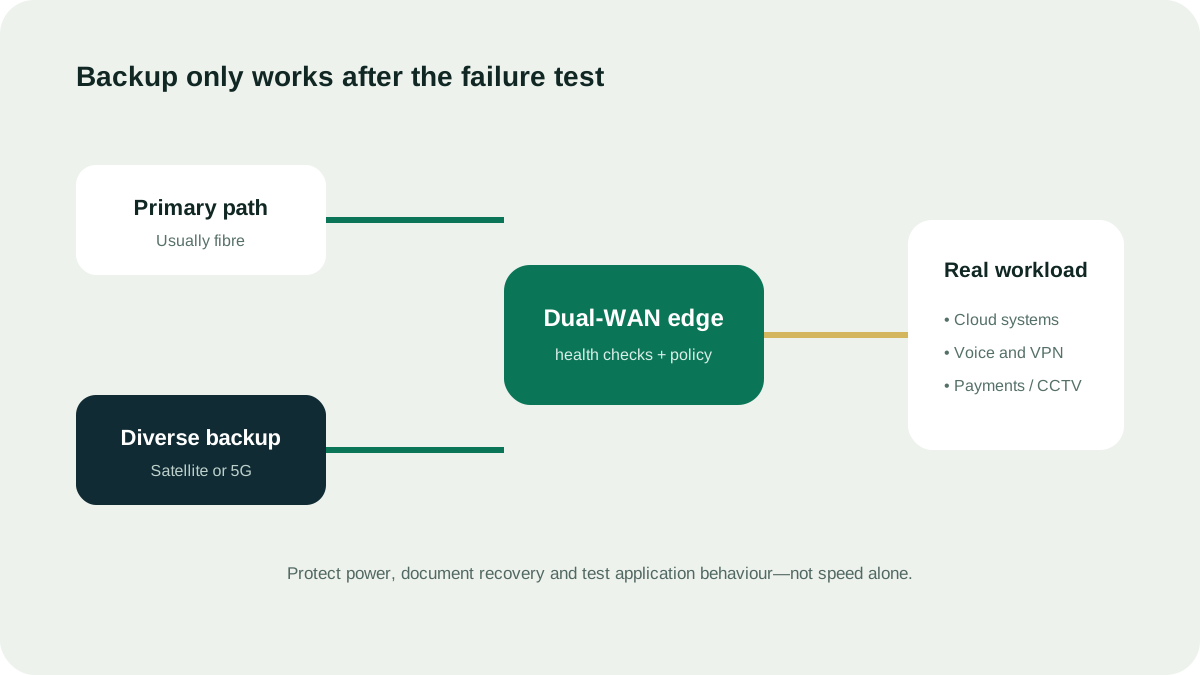
Test the outage, not the dashboard
Disconnect the primary service during a safe test window. Confirm how long switching takes, whether calls recover, whether devices need to reconnect and how long the backup power lasts. Automatic failover is not useful if the applications remain offline.
Control backup demand
- Pause cloud backups and software updates
- Limit high-resolution streaming
- Prioritize work and communication devices
- Separate critical and guest Wi-Fi where useful
- Set alerts so the household knows it is on backup
Questions people ask
Can Starlink back up home fibre in the UAE?
It can be considered when the home address is eligible, the plan permits the intended household use and a clear-sky installation is possible. The router, power and failover method must still be designed and tested.
Is a phone hotspot enough for home backup?
It may be enough for one person and light use. A household with several users, smart devices or home-office needs should test coverage, capacity, data terms, charging and how devices switch to the hotspot.
Do I need automatic failover at home?
Not always. Manual switching may be acceptable for occasional low-impact outages. Automatic failover is more useful when someone works from home, essential devices need continuity or the household cannot easily reconfigure connections.
Source ledger
What this page’s facts rest on
UAE licence scope, date, sectors and complementary-network positioning
Address-level availability process and clear-sky setup requirement
Plan eligibility, business-use restrictions, congestion and non-guaranteed performance
Clear-sky requirement, obstructions and site-selection guidance