
Direct answer
What to check
Availability is a three-part result
The provider check, the physical site and the intended use must all pass.
| Check | Pass condition | Source of truth |
|---|---|---|
| Provider | Plan can be ordered for the exact address | Official Starlink UAE flow |
| Physical site | Safe location has suitable clear sky and cable route | On-site obstruction and access survey |
| Use | Plan permits household, business, mobility or maritime need | Current service-plan descriptions |
How to check properly
- Enter the complete service address on Starlink’s official UAE map
- Record the plan names and price shown for that address
- Use the Starlink app obstruction tool at the intended mounting height
- Check landlord, building-management, free-zone, port or site-access permissions as applicable
- If the project is urgent, compare 5G and temporary alternatives in parallel
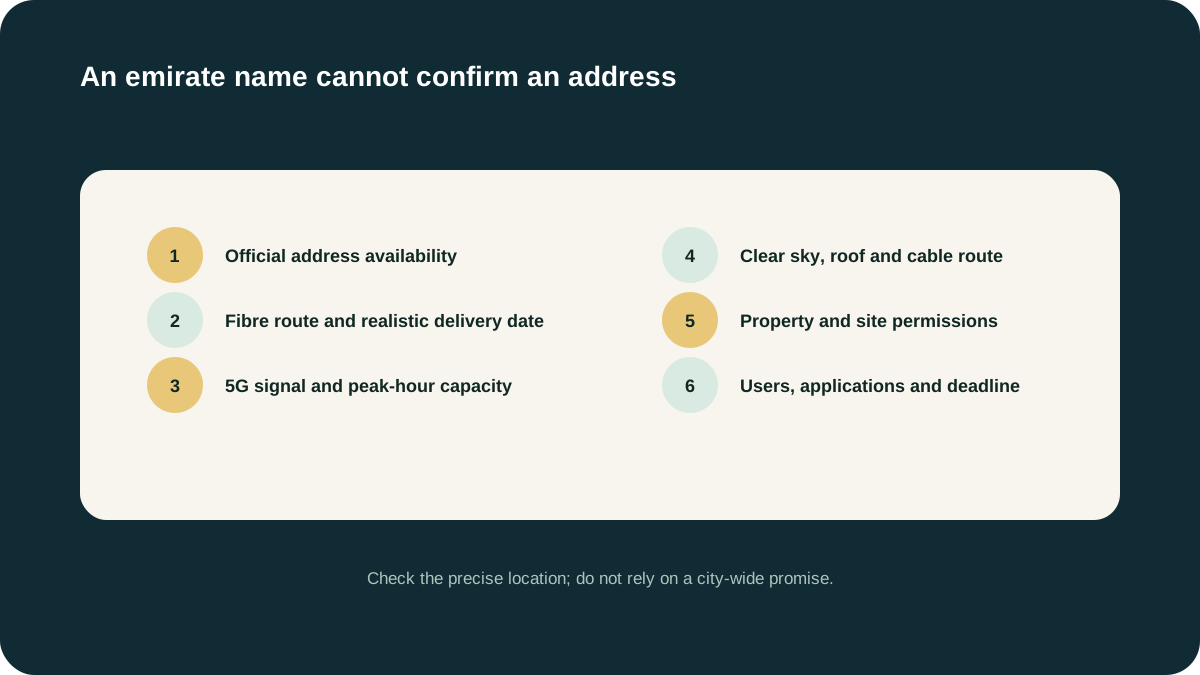
Why an area page cannot promise coverage
Capacity, offers and serviceability may be more granular than an emirate or neighbourhood. Our location pages explain common site conditions and alternatives; they never replace the provider’s live address check.
Questions people ask
Is Starlink available everywhere in Dubai?
Do not assume emirate-wide availability. Check the exact address on Starlink’s official UAE map and confirm clear-sky access at the installation point.
Can this website check Starlink capacity?
No independent website can authoritatively confirm Starlink’s live network capacity. We can qualify the broader connectivity need; Starlink’s official flow remains the source for its availability.
Is WhereSignal the official Starlink UAE website?
No. WhereSignal is an independent information and enquiry website. It is not Starlink, SpaceX, e&, du or TDRA, and it does not claim reseller or installer authorization.
Source ledger
What this page’s facts rest on
UAE licence scope, date, sectors and complementary-network positioning
Address-level availability process and clear-sky setup requirement
App-based obstruction scan and pre-order assessment
Plan eligibility, business-use restrictions, congestion and non-guaranteed performance