
Direct answer
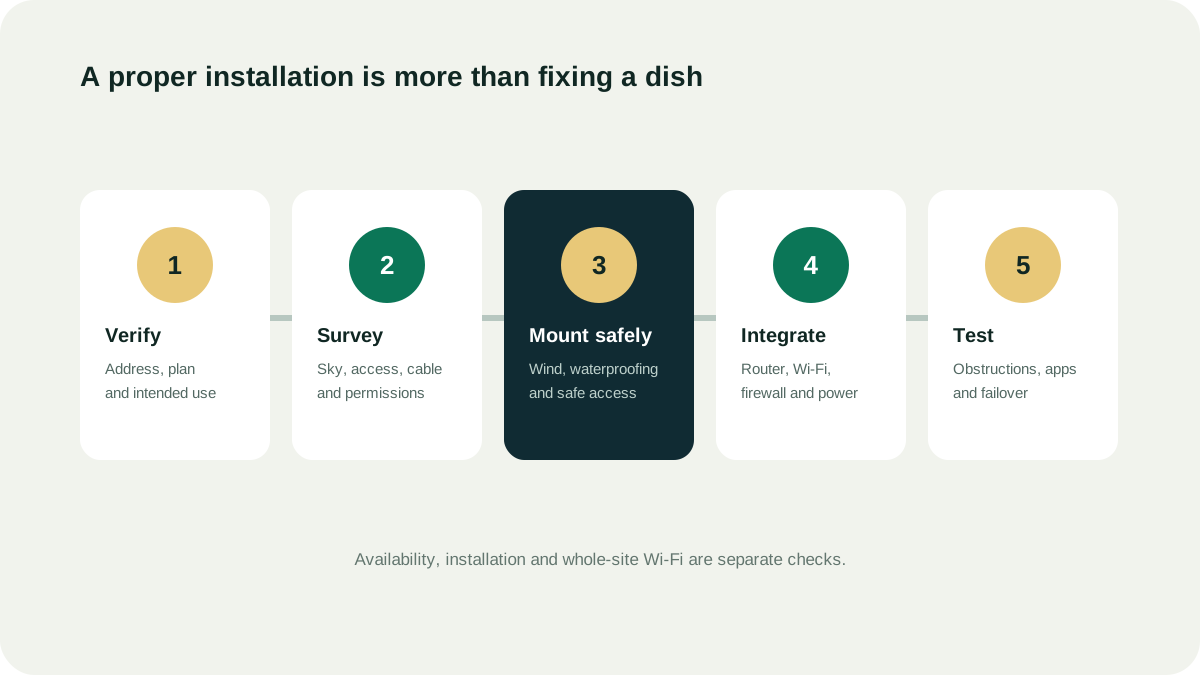
A useful site survey
- App obstruction scan from the actual mount height
- Roof, wall, pole, ground or vessel mounting constraints
- Safe route from outdoor terminal to indoor network point
- Heat, dust, salt spray and water-ingress exposure
- Power source, UPS and surge strategy
- Landlord, building, site or port permissions
- Router, firewall, Wi-Fi and failover integration
What an installer should not claim
- Official or authorized status without proof
- Guaranteed speed at every hour
- Guaranteed availability before the official address check
- Permission to resell the service unless explicitly authorized
- That any imported or third-party kit will activate
Handover evidence
Keep photographs of the mount and cable route, the obstruction result, serial and account ownership details, router configuration, failover test and a dated performance baseline. A single speed test is not an SLA.
Questions people ask
Can I install Starlink myself?
Some fixed installations are designed for setup by the user, but roof access, drilling, weatherproofing and complex mounts introduce safety and building risks. Follow the official guide and use qualified help when the work is not safely within your competence.
Does professional installation improve speed?
It cannot create network capacity, but a good location and unobstructed view can avoid preventable interruptions and lost performance caused by obstruction or poor setup.
Should I buy the kit from my installer?
First establish whether the installer is also an authorized retailer or reseller. Ask who supplies the kit, activates the service and controls the account. Installation and provider billing should be clearly separated in the quote.
Source ledger
What this page’s facts rest on
Clear-sky requirement, obstructions and site-selection guidance
App-based obstruction scan and pre-order assessment
Plan and price changes, installation responsibilities and service terms
Supplier registration and equipment approval requirements
Reseller authorization, permitted territories, bundled services and reseller-managed accounts and support; not UAE stock confirmation
Retailer verification, official shop requirement and Starlink-managed service after activation; not a UAE retailer endorsement